

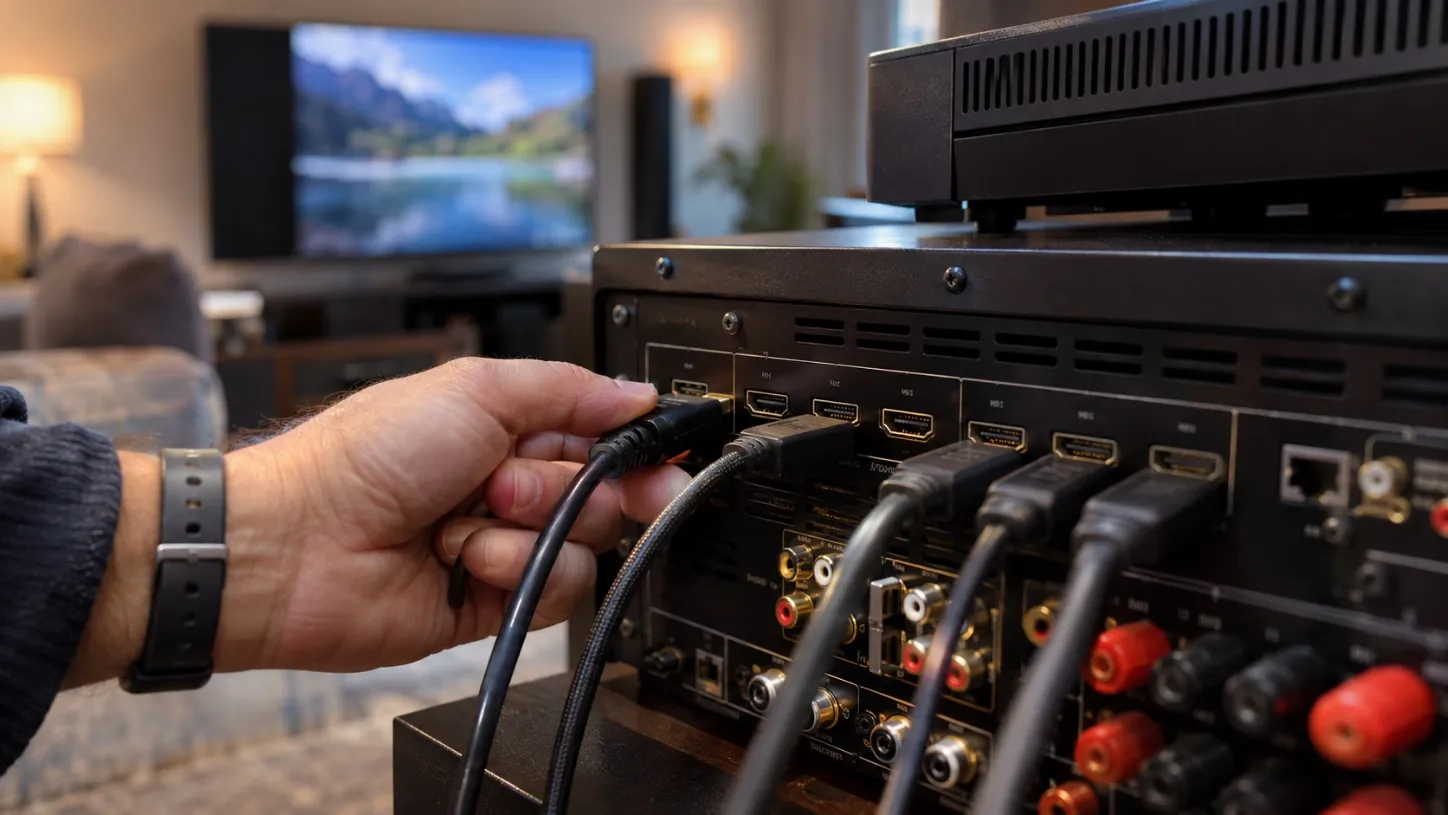
A premium home theater can contain expensive equipment and still experience unexpected picture problems. A display may refuse to show HDR content, a receiver might limit video resolution, or the screen may briefly turn black when switching sources. These issues often involve communication between connected devices rather than defective hardware. HDMI compatibility determines how effectively players, receivers, and displays exchange signals. Understanding the basics can help homeowners recognize potential problems before installation and avoid unnecessary equipment replacements.
Understand the Complete HDMI Signal Path
An HDMI connection involves more than a cable joining two devices. The source, receiver, display, and any intermediate equipment must support the required signal characteristics. The Strato V Player supports 4K video, Dolby Vision, and lossless audio through compatible connections. However, those capabilities cannot automatically overcome limitations elsewhere in the installation.
For example, an older receiver positioned between the player and television may restrict supported video formats. Evaluating the entire signal path helps homeowners understand why a premium player does not always deliver its highest available picture quality.
Learn Why HDMI Standards Matter
Different HDMI standards support different combinations of resolution, bandwidth, and advanced video features. For Kaleidescape Strato V, HDMI 2.0 and HDCP 2.2 compatibility are required for protected 4K Ultra HD playback. HDR formats involve additional requirements, including compatible displays and appropriate HDMI support.
Homeowners should also understand that a television’s advertised resolution does not confirm support for every HDR format. Compatibility depends on specific equipment capabilities and configuration settings. Checking technical documentation before connecting new components is more reliable than assuming all HDMI ports provide identical performance.
Plan Connections Before Installing Equipment
Cable routing and device placement should be considered before permanently mounting displays or finishing walls. During a home theater systems setup, homeowners should identify which devices will connect directly to the display and which will communicate through an AV receiver. Some configurations allow separate audio and video connections, depending on the player’s available outputs.
Planning these connections can help accommodate receivers with limited video compatibility. However, output functions differ between player models. Homeowners should follow the exact installation instructions for their equipment rather than assuming every additional port supports the same signals.
Recognize Common Signs of Compatibility Problems
HDMI-related problems may appear during installation or after equipment settings change. Typical symptoms include missing images, unexpected resolution changes, intermittent black screens, or unavailable HDR modes. These symptoms do not necessarily indicate a damaged cable or malfunctioning player.
A useful troubleshooting process begins by checking the selected display input and confirming that connected devices are powered correctly. If intermediate equipment is involved, temporarily testing a supported direct connection may help identify where compatibility problems occur. Changes should be made systematically so the original cause remains identifiable.
Select Cables According to Actual Requirements
HDMI cables vary in supported bandwidth, construction quality, and intended installation conditions. An expensive cable is not automatically better for every system. The appropriate choice depends on the signal requirements and installation distance.
Homeowners should consider:
-
Required video resolution and refresh rate.
-
Supported HDR formats and signal bandwidth.
-
Cable length and installation conditions.
-
Relevant cable certification.
-
Accessibility for future replacement.
Long cable runs may require specialized solutions, particularly where walls or ceilings separate equipment. Professional guidance can help determine whether an ordinary certified cable is suitable or a different connection method is necessary.
Avoid Unnecessary Receiver Replacements
When a new movie player introduces advanced video features, replacing the existing AV receiver may seem unavoidable. However, the decision should depend on the receiver’s actual limitations. Some compatible players provide connection arrangements that can send video directly to a display while delivering audio through a separate supported output.
This approach may preserve useful existing equipment, although the available audio formats and connection functions must be confirmed. Homeowners should compare compatibility requirements before purchasing replacements.
A careful assessment may identify a simpler solution without compromising the intended entertainment experience.
Test the System With Appropriate Content
Successful installation requires more than confirming that the home screen appears. Different movie formats may activate different display modes, making proper testing important. Use supported content to evaluate standard 4K playback, HDR, and Dolby Vision where the equipment allows. Observe whether the display switches modes correctly and whether audio remains synchronized.
If problems occur, record the affected format, device settings, and connection arrangement. These details help technicians distinguish compatibility limitations from configuration problems. Testing several supported formats provides greater confidence than relying on a single demonstration.
Conclusion
HDMI compatibility is an often-overlooked factor in home theater performance. Even sophisticated electronics can encounter limitations when connected components support different standards or configurations. Homeowners who understand the signal path can make more informed decisions about cables, receivers, and displays. Technical integration specialists, including Epic Systems, can help evaluate these relationships during installation planning. Rather than replacing equipment whenever a picture problem appears, identifying the source of the limitation offers a more efficient way to preserve both performance and existing investments.